Framer Website Design Service: What's Included, What It Costs & How to Hire
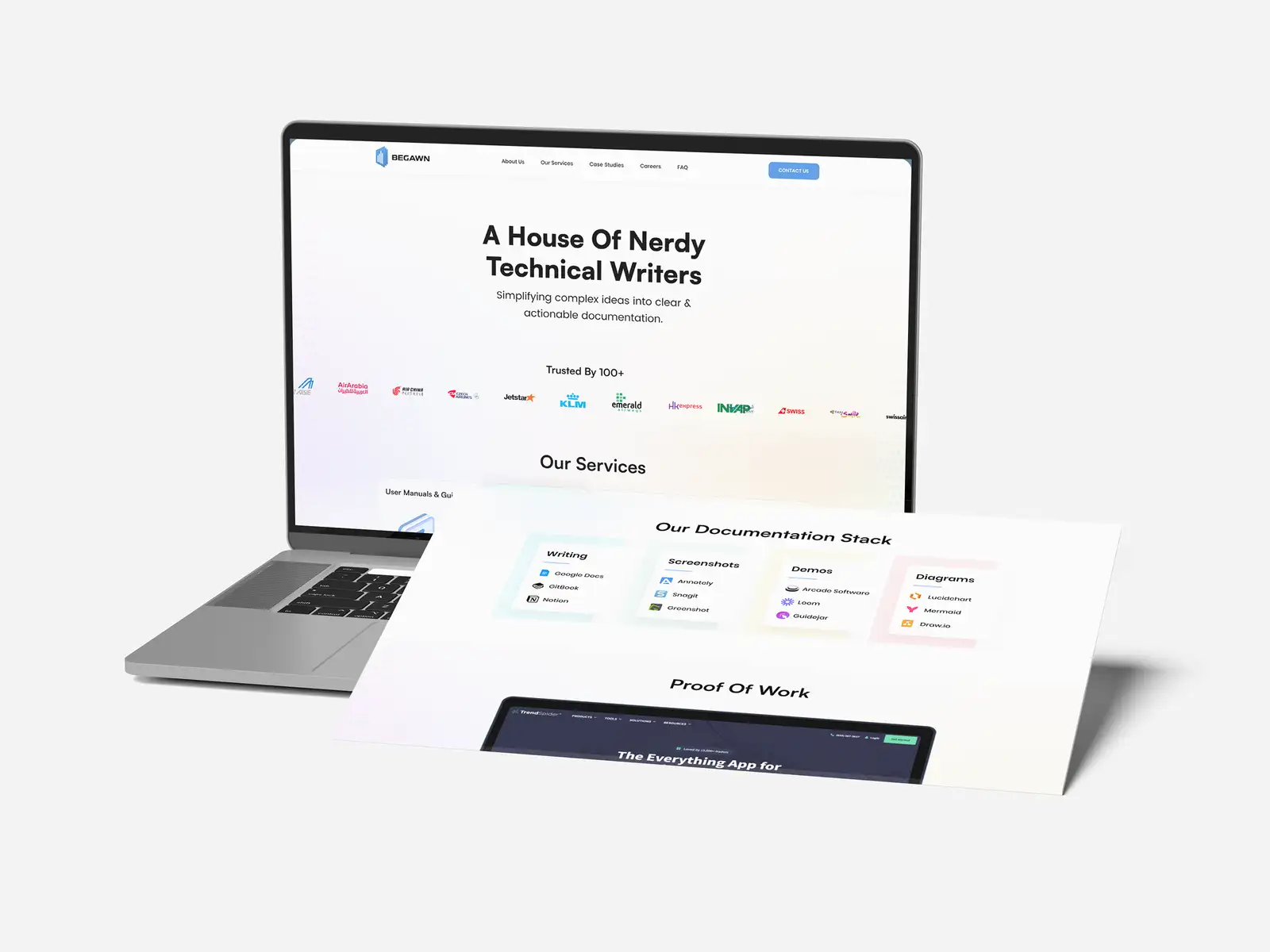
A Framer website design service designs and builds your marketing website directly inside Framer — the visual, no-code platform that combines a designer's canvas with hosting, a CMS and animation — so one person or small studio can take you from a blank page to a live, fast, on-brand site without a separate development team. You get design and build in a single tool, a site you can edit yourself after launch, and a timeline measured in weeks. In 2026, a single Framer landing page from a specialist freelancer or small studio typically costs around $500–$2,500, and a full multi-page marketing site runs roughly $2,500–$10,000, on top of Framer's own subscription (paid plans start around $10–$30 per month, with higher tiers for ecommerce and heavy traffic). It's the right choice for design-led marketing sites, startup launches and landing pages; it's the wrong choice for large content operations or complex custom web apps. Treat all figures as typical ranges and confirm current rates and Framer's live pricing before you commit.
We design and build websites for founders and small businesses as a Top Rated Plus studio on Upwork — 8+ years, 3,000+ projects across 30+ countries and a 100% Job Success score — so the guidance below is what we actually deliver, not a generic overview. This covers what a Framer website design service includes, what it costs in 2026, when Framer beats the alternatives, how to hire the right designer, and how the process runs. Framer's features and pricing change often, so verify the current plan details on Framer's own site before you budget.
What is a Framer website design service?
A Framer website design service is a design-and-build service that produces your website inside Framer, a visual platform where the designer lays out pages on a Figma-like canvas and publishes them as a live, hosted site — no separate hand-off to developers. Because design and code live in the same place, the person who designs your site is usually the person who ships it, which removes the classic gap where a beautiful mockup gets watered down in development.
That single-tool workflow is Framer's whole appeal. Framer feels like a design tool that happens to output real websites, so it suits design-led marketing sites, startup launch pages and animated landing pages where visual polish and speed to launch matter more than a large content operation. It sits alongside Webflow and WordPress as one of the main ways to build a modern marketing site — we compare all three in WordPress vs Webflow vs Framer — and for the specific case of a startup marketing site, in Webflow vs Framer for a startup landing page.
What's included in a Framer website design service?
A complete Framer website design service delivers the design, the build and a site you can run yourself. What you should expect to receive:
- Custom design, not a template — pages designed to your brand from your brand identity, rather than a marketplace template with your logo dropped in.
- A responsive build — layouts that work correctly on desktop, tablet and mobile, set up with Framer's breakpoints rather than left to guesswork.
- Animation and interactions — the scroll effects, hover states and transitions Framer is known for, used to guide attention rather than for decoration.
- CMS setup — a connected blog, case-study or careers collection so you can add entries without redesigning pages, on Framer's CMS.
- On-page SEO basics — clean page structure, meta titles and descriptions, alt text and fast-loading images so the site can rank; pair this with a proper landing page that converts.
- Handover and training — publishing to your domain, plus a walkthrough (or Framer's on-page editing) so your team can update copy and images without touching the design.
The handover point is where Framer quietly earns its keep. Framer's on-page editing lets non-designers change live text and swap images in the browser, so a founder isn't stuck paying for every typo fix — a genuine advantage over routes where any change means going back to a developer.
How much does a Framer website cost in 2026?
There are two separate costs to plan for: the design service (paying a designer to create and build the site) and Framer's own subscription (paying Framer to host and run it). In 2026, a single Framer landing page from a specialist freelancer or small studio typically costs around $500–$2,500, a full multi-page marketing site runs roughly $2,500–$10,000, and agencies charge more. On top of that, Framer's paid plans start around $10 per month for a basic site and about $30 per month for a Pro plan with CMS and forms, with higher tiers (from roughly $100 per month) for ecommerce and high-traffic sites, plus per-editor seat fees; a free plan exists for testing on a Framer subdomain. Framer changes its pricing regularly, so confirm the live figures before budgeting.
| Option | Typical cost | What you get | Best for |
|---|---|---|---|
| DIY on a template | Framer plan only (from ~$10/mo) | You buy a template and edit it yourself, no custom design | Founders on the tightest budget with time to build it themselves |
| Freelancer / small studio — landing page | $500–$2,500 | One custom, animated page built to your brand, responsive, SEO basics | A startup launch or a single campaign page |
| Freelancer / small studio — full site | $2,500–$10,000 | Multi-page marketing site, CMS, custom design, handover and training | A business launching or rebuilding its main site |
| Agency | $10,000–$30,000+ | Strategy, content, extended design system and larger builds | Funded companies with bigger sites and more stakeholders |
What moves the price inside a band is scope, not file count: the number of unique page designs, how much custom animation you want, whether content and copy are ready or need creating, CMS complexity, and revision rounds. Supplying finished copy, brand assets and clear references up front is the biggest lever you have on both cost and timeline — the same discipline behind our guide to how much a website costs across all platforms, and to how long it takes to build a website.
Don't choose Framer on price alone. A cheap Framer template you fight with for a month can cost more in your own time than a right-sized custom build that launches in two weeks and you can edit yourself afterwards. Decide first whether Framer fits the job — a design-led marketing site, yes; a 500-page content library or a complex web app, no — then buy the level of design help that matches your stage. The platform is only the right saving when it's the right platform.
Framer vs Webflow: which should a startup choose?
For a design-led marketing site or landing page a startup wants live fast, Framer is usually the better pick; for a large, content-heavy or highly structured site, Webflow is the safer long-term home. Framer feels like a design tool that ships websites — intuitive for designers and quick to launch — while Webflow behaves more like a visual development environment with a steeper learning curve but more structural control and a more robust CMS for blog-heavy or complex sites.
| Factor | Framer | Webflow |
|---|---|---|
| Speed to launch | Faster for a design-led marketing site | Slower; more setup and structure |
| Learning curve | Gentle, Figma-like — easy to self-edit | Steeper; more of a developer mindset |
| Animation | A core strength, built in | Capable, but more manual to set up |
| Content at scale | Fine for small/medium content | Stronger CMS for blog-heavy, large sites |
| Best fit | Launch pages, marketing sites, portfolios | Complex, content-rich, long-lived sites |
The honest rule: pick Framer when design, speed and easy self-editing matter most, and Webflow when you're building a durable, content-heavy site you'll grow for years. If you also sell products, neither is the automatic answer — a dedicated store often wins, which is why we treat ecommerce separately in our Shopify store design service guide. For a fuller three-way view, read WordPress vs Webflow vs Framer.
How to hire a Framer website designer
Hire for proof and process, not just a slick portfolio reel. A designer who ships real Framer sites will pre-empt the responsive and performance problems a beginner runs into. Work through this checklist:
- Live Framer sites in the portfolio. Ask for URLs of sites they built and published in Framer — then open them on your phone to check the mobile build, not just the desktop shots.
- Custom design, confirmed. Make sure you're getting a design built to your brand, not a bought template lightly reskinned — and that the animation serves the message rather than showing off.
- Ownership and handover in writing. Confirm the Framer project is transferred to your account, published to your domain, and that you're trained to edit it (or shown Framer's on-page editing).
- Performance and SEO awareness. They should talk naturally about image optimisation, page speed, meta tags and structure — a fast site is a ranking and conversion lever, not an afterthought.
- Verifiable reviews and clear communication. Look for verified reviews describing on-time delivery and responsive updates; a launch date usually rides on this.
This is the same buying discipline we recommend across creative services — judging a logo design service for startups or any specialist on demonstrated results and a clear process rather than the lowest quote. The cheapest Framer designer who can't build a clean mobile layout is the most expensive choice once you count the redo.
How does the Framer design process work?
A good service runs a clear sequence so nothing stalls near launch:
- Brief and content. You share your goals, brand assets, references and — ideally — final copy, since waiting on content is the most common cause of delay.
- Design. The designer lays out the key pages in Framer, starting from the homepage or hero, and shares a live preview link rather than static images.
- Build and interactions. Pages are made responsive across breakpoints, animations and CMS collections are added, and forms and integrations are wired up.
- Review and revisions. You review on the live preview, on real devices, and feedback is applied in agreed rounds.
- Launch and handover. The site is published to your custom domain, SEO basics are checked, and you're trained to edit it yourself.
Is a Framer website design service worth it?
For a startup or small business that needs a fast, polished, design-led marketing site — and wants to edit it without a developer on retainer — a Framer website design service is one of the best-value ways to get online in 2026. It collapses design and build into one workflow, ships in weeks, and hands you a site you can actually maintain. It stops being the right answer when you outgrow it: a large content library, complex application logic or heavy ecommerce all point to Webflow, a custom build or a dedicated store instead. Match the platform to the job first, then buy the level of design help your stage needs.
If you'd like a sense of what a right-sized Framer build looks like for your stage, you can see the work and start a conversation on our Upwork profile or through our website development service.
Frequently asked questions
How much does a Framer website cost in 2026?
There are two costs: the design service and Framer's own subscription. A single Framer landing page from a specialist freelancer or small studio typically costs around $500–$2,500, and a full multi-page marketing site runs roughly $2,500–$10,000, with agencies charging more. On top of that, Framer's paid plans start around $10 per month for a basic site and about $30 per month for a Pro plan with CMS and forms, with higher tiers for ecommerce and high-traffic sites. Framer changes its pricing regularly, so confirm the live figures before budgeting.
Is Framer better than Webflow for a startup?
For a design-led marketing site or landing page a startup wants live quickly, Framer is usually better — it's faster to launch, easier to self-edit, and strong on animation. Webflow suits large, content-heavy or highly structured sites where its more robust CMS and structural control pay off, at the cost of a steeper learning curve. Choose Framer for speed and design; choose Webflow for a durable, content-rich site you'll grow for years.
Can I edit a Framer website myself after it's built?
Yes. Framer is designed for non-developers to maintain, and a good service transfers the project to your account and trains you to edit it. Framer's on-page editing lets you change live text and swap images directly in the browser, and CMS collections let you add blog posts or case studies without redesigning pages — so you're not paying a developer for every small change.
Is Framer good for SEO?
Framer can rank well when the site is built properly. It handles hosting, fast loading and clean markup, and lets you set meta titles, descriptions, alt text and redirects. As with any platform, ranking depends far more on good structure, quality content and page speed than on the tool itself — so hire a designer who treats SEO basics as part of the build rather than an add-on, and keep publishing useful content.
Want this done for you?
FRPROTECH is a Top Rated Plus Upwork agency with 3,000+ projects delivered across 30+ countries. Tell us your goals and we'll handle the rest.
Written by the FRPROTECH design team. 8+ years building brands and websites for clients in 30+ countries, with a 100% Job Success Score on Upwork.