What Is Web Hosting? A Plain-English Guide for 2026
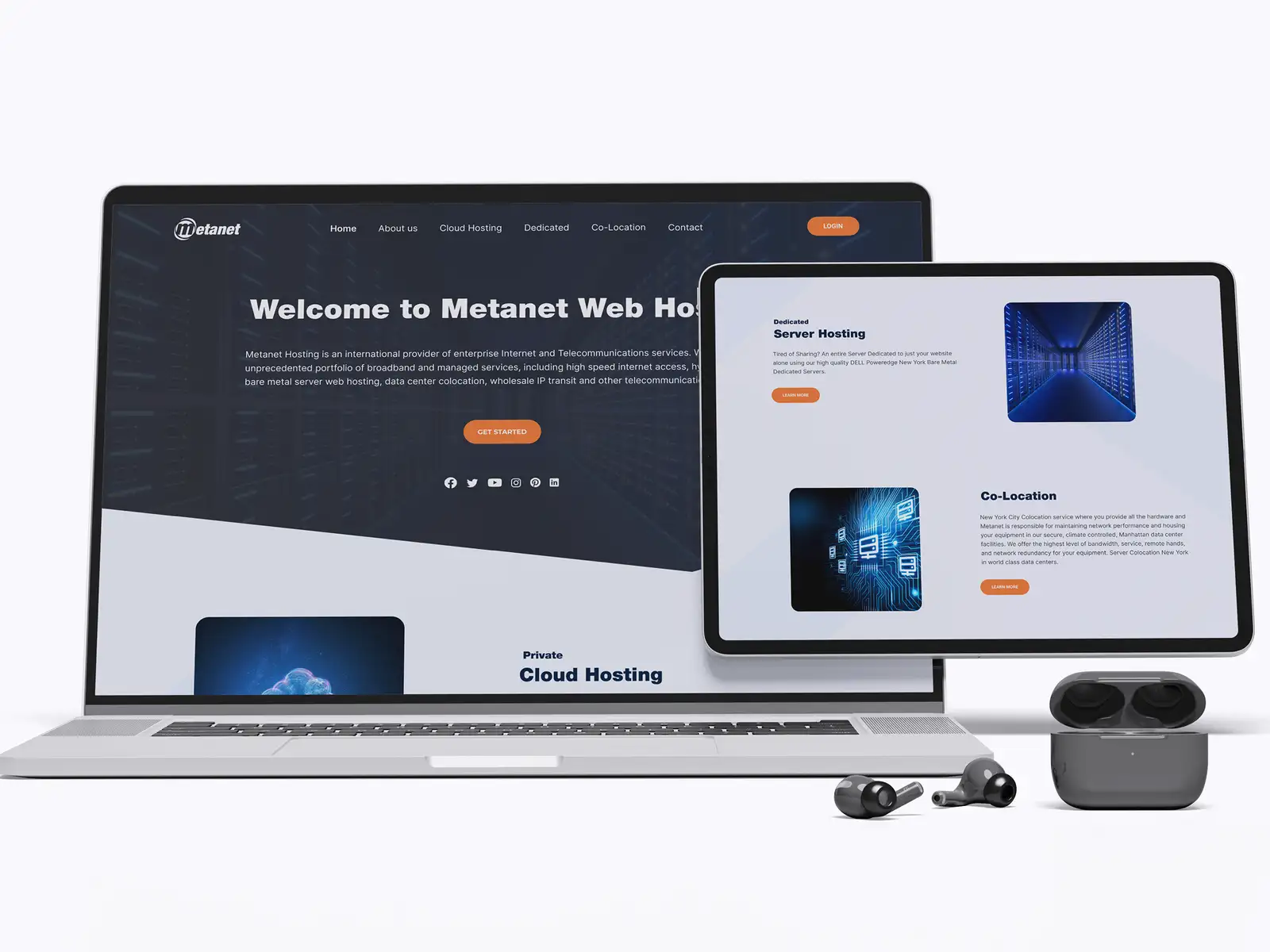
Web hosting is the service that stores your website's files on a specialised computer called a server and delivers them to anyone who visits your web address, so your site is available on the internet 24 hours a day. Every website you've ever loaded lives on a server somewhere: when someone types your domain or clicks a link, their browser asks that server for your pages, and the server sends back the HTML, images, and code that make up your site. Without hosting, your website is just files on your laptop that nobody else can reach. With it, those same files have a permanent home that's connected to the internet, powered on, and ready to answer millions of requests. Think of building the site as constructing a shop and hosting as renting the plot of land it stands on, no matter how good the shop is, it can't open for business until it has somewhere to sit that customers can actually walk into.
This guide explains what web hosting really is, how it works behind the scenes, the main types and what each is good for, what to look for when choosing, and a step-by-step way to pick the right plan. It's the same thinking we apply on website development projects across 8+ years and 3,000+ projects in 30+ countries as a Top Rated Plus agency on Upwork.
How web hosting actually works
When you sign up for hosting, a provider gives you space on a server, along with the software and network connection that let it serve your site to the world. The moment someone visits your address, a fast, mostly invisible conversation happens between their device and that server. Understanding the sequence makes it much easier to see why hosting choices affect speed, uptime, and security.
- A visitor requests your site. Someone types your domain or clicks a link, and their browser needs to find where your website lives.
- DNS points the way. The domain name system translates your human-friendly address into the server's numeric IP address, like a phone book turning a name into a number.
- The browser contacts your server. It sends a request to that IP address asking for the specific page the visitor wants.
- The server responds. It gathers the page's files, HTML, CSS, images, and any content from a database, and sends them back across the internet.
- The page renders. The visitor's browser assembles those files into the page they see, usually in under a second on well-configured hosting.
This happens for every single visit, which is why the server's speed, location, and reliability matter so much. A slow or overloaded server drags out step four, and that delay is exactly what visitors feel as a sluggish site, so hosting is one of the foundations of how fast your website loads. Note that hosting and your domain name are two separate things you can buy from the same company or different ones: the domain is your address, the hosting is the land the building sits on.
The main types of web hosting
"Hosting" isn't one product, it's a range of arrangements that trade off cost, performance, and control. The right one depends on how much traffic you expect, how much technical work you want to handle, and how much a slow or down site would cost your business. Here's how the main types compare.
| Type | How it works | Best for |
|---|---|---|
| Shared hosting | Many sites share one server's resources | Small sites, brochure sites, tight budgets |
| VPS hosting | A server split into isolated virtual slices | Growing sites needing more power and control |
| Dedicated hosting | A whole physical server just for you | High-traffic sites with heavy demands |
| Cloud hosting | Resources pooled across many servers | Sites needing to scale up and down quickly |
| Managed hosting | Provider handles updates, security, backups | Teams who want to focus on the site, not the server |
Shared hosting is where most small sites start, it's cheap because the cost of the server is split across many customers, but you're also sharing resources, so a traffic spike on a neighbouring site can slow yours down. As a site grows, VPS or cloud hosting gives it dedicated resources and room to scale. Many modern website builders and platforms, including the ones we compare in WordPress vs Webflow vs Framer, include managed cloud hosting as part of the package, so you never touch a server at all, a big reason they've become so popular for businesses that would rather not manage infrastructure.
Managed hosting is worth the premium for most businesses. Instead of paying less and spending your own hours on server updates, security patches, and backups, you pay a provider to handle all of it, so a missed update never becomes a hacked site. For anyone whose job isn't running servers, the time saved and the risk removed almost always outweigh the higher monthly fee, which is why we recommend managed or platform-included hosting for the vast majority of clients.
What to look for in a hosting provider
Hosting plans can look identical on a pricing page and behave very differently in practice. The cheapest headline price often hides slow servers, poor support, or renewal rates that jump sharply after the first year. These are the factors that actually determine whether your hosting helps or hurts your site.
- Uptime guarantee. Look for 99.9% or better, this is the percentage of time your site is reliably online. Even 99% sounds fine until you realise it allows over three days of downtime a year.
- Speed and performance. SSD storage, modern server hardware, and a built-in CDN all make pages load faster, which affects both user experience and search rankings.
- Server location. A server physically closer to your audience delivers pages faster. If most of your customers are in one region, host there or use a CDN to bridge the distance.
- Security features. Free SSL certificates, automatic backups, firewalls, and malware scanning protect both your site and your visitors' data, and are increasingly the baseline rather than an extra.
- Scalability. The ability to upgrade resources without migrating to a new host, so growth is a setting you change rather than a project you dread.
- Support quality. Responsive, knowledgeable support available around the clock is invaluable the day something breaks, and something eventually will.
Weigh these against price rather than chasing the lowest number. Hosting is one of the cheapest parts of running a website, and it underpins everything else, so it rarely pays to cut corners. A few pounds saved each month means little if your site is slow, down when a customer tries to buy, or vulnerable to attack, all of which cost far more than the saving. For context on where hosting fits in the wider budget, see our breakdown of how much a website costs.
How to choose web hosting, step by step
You don't need to be technical to choose hosting well, you need to match the plan to your actual needs rather than to a marketing headline. Here's the process we use when setting up hosting for clients.
- Know what you're hosting. A simple brochure site, a busy blog, and a full online store have very different demands. Be honest about traffic and complexity before you compare plans.
- Estimate your traffic. Start with what's realistic for the next year, not a best-case dream. You can almost always scale up later, so don't overpay for capacity you won't use yet.
- Pick the right type. Match it to the site: shared or managed platform hosting for small sites, VPS or cloud for growing traffic, dedicated or cloud for large, demanding sites.
- Check the non-negotiables. Confirm the uptime guarantee, SSL, backups, and support before anything else. These are the features you'll be glad of when something goes wrong.
- Read the renewal price, not just the intro price. Many hosts advertise a low first term, then renew much higher. Budget for the ongoing cost, because that's what you'll actually pay.
- Consider platform-included hosting. If you're building on Webflow, Framer, Shopify, or managed WordPress, hosting is often bundled and maintained for you, frequently the simplest and safest choice.
- Plan for growth. Choose a provider you can grow with, so scaling up is a plan change rather than a stressful migration to a whole new host.
Done in this order, hosting stops being a confusing afterthought and becomes a deliberate decision that supports everything you build on top of it, from your content management system to your responsive design. Get it right early and you rarely have to think about it again, which is exactly how good hosting should feel.
Common hosting mistakes to avoid
Most hosting regrets come from a few predictable decisions rather than genuine bad luck. Watch for these:
- Choosing on price alone. The cheapest plan often means shared, overloaded servers and slow support, a false economy that shows up as a slow or unreliable site.
- Ignoring backups. If your host doesn't back up your site automatically, one bad update or hack can wipe months of work with no way back. Always confirm backups exist.
- Overlooking uptime. A site that's regularly down loses customers and search rankings, no matter how good it looks the rest of the time.
- Forgetting SSL. Without an SSL certificate, browsers flag your site as "not secure," which scares visitors away. It should be included and enabled from day one.
- Not planning to scale. Picking a host you'll outgrow in months means a disruptive migration later. Choose one that lets you upgrade in place.
The bottom line
Web hosting is the service that stores your website and serves it to visitors, the foundation that keeps your site fast, secure, and online. The type you need depends on your traffic and complexity, from cheap shared hosting for small sites to scalable cloud and managed platforms for busy ones, and the provider you choose should be judged on uptime, speed, security, and support rather than headline price alone. For most businesses, managed or platform-included hosting is the sweet spot: it removes the technical burden and the security risk for a modest premium, freeing you to focus on the site itself. Get hosting right and it quietly does its job forever; get it wrong and it undermines even the best design and content. If you'd rather have your site built, hosted, and looked after by a team that's done it across 30+ countries, our website development service handles hosting as part of the build. See the Upwork profile for verified reviews.
Frequently asked questions
What is web hosting in simple terms?
Web hosting is a service that stores your website's files on a special computer called a server and makes them available to anyone on the internet. When someone visits your web address, their browser asks that server for your pages, and the server sends them back so the visitor sees your site. Because the server is always powered on and connected to the internet, your website is available around the clock rather than only when your own computer is switched on. A useful analogy: if your domain name is your address, hosting is the land and building your website actually sits on. Without hosting, your site is just files nobody else can reach; with it, those files have a permanent, public home. You typically pay a monthly or yearly fee, and many website platforms include hosting as part of the package.
What are the main types of web hosting?
The main types are shared, VPS, dedicated, cloud, and managed hosting. Shared hosting puts many websites on one server, which is cheap but means you share resources, so it suits small sites on a tight budget. VPS (virtual private server) hosting splits a server into isolated slices, giving a growing site more power and control. Dedicated hosting gives you an entire physical server, best for high-traffic sites with heavy demands. Cloud hosting spreads your site across many servers so it can scale up and down quickly with traffic. Managed hosting is a layer on top of these where the provider handles updates, security, and backups for you. Many modern platforms like Webflow, Framer, Shopify, and managed WordPress include cloud hosting automatically, so you never touch a server, which is why they've become popular with businesses that don't want to manage infrastructure.
How much does web hosting cost?
Web hosting is usually one of the cheapest parts of running a website. Basic shared hosting can start from just a few pounds or dollars a month, VPS and cloud plans typically range from around ten to a hundred a month depending on resources, and dedicated servers cost considerably more. Many website platforms bundle hosting into their subscription, so you pay one fee for the builder and the hosting together. Watch two things: the renewal price, since many hosts advertise a low first term then renew much higher, and what's included, because cheap plans often lack backups, a good uptime guarantee, or decent support. Because hosting underpins your whole site, it rarely pays to choose on price alone, a slow or unreliable host costs far more in lost visitors and sales than the few pounds you might save each month.
Do I need web hosting and a domain name separately?
They're two different things, but you can buy them together or apart. Your domain name is your website's address, the thing people type to reach you, like yourbusiness.com. Web hosting is where your website's files actually live and are served from. You need both for a working website: the domain points visitors to the right place, and the hosting delivers the site when they arrive. Many companies sell both, so you can buy them from one provider for convenience, or keep them separate, for example registering your domain with one company and hosting with another, and simply point the domain at the host. Some website platforms include hosting and let you connect a domain you already own. Either way, think of the domain as your address and hosting as the land your site is built on, both necessary, and easy to link together.
Want this done for you?
FRPROTECH is a Top Rated Plus Upwork agency with 3,000+ projects delivered across 30+ countries. Tell us your goals and we'll handle the rest.
Written by the FRPROTECH design team. 8+ years building brands and websites for clients in 30+ countries, with a 100% Job Success Score on Upwork.